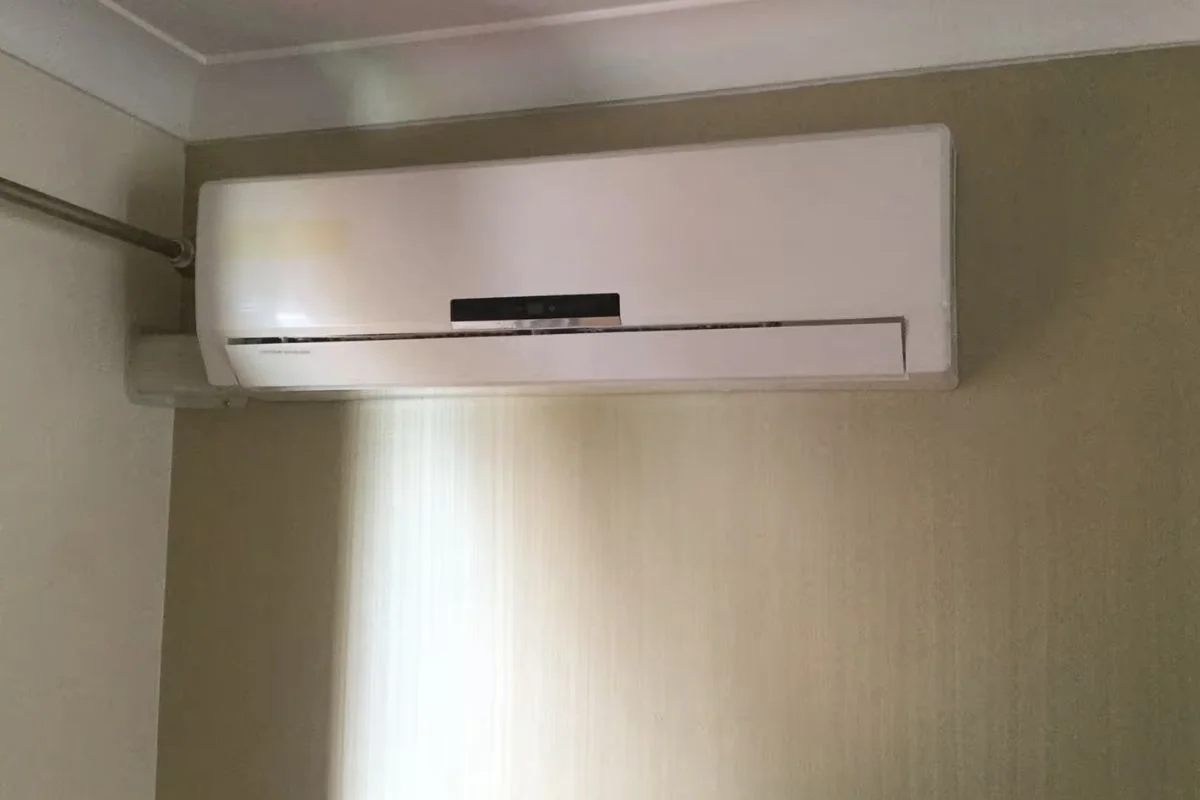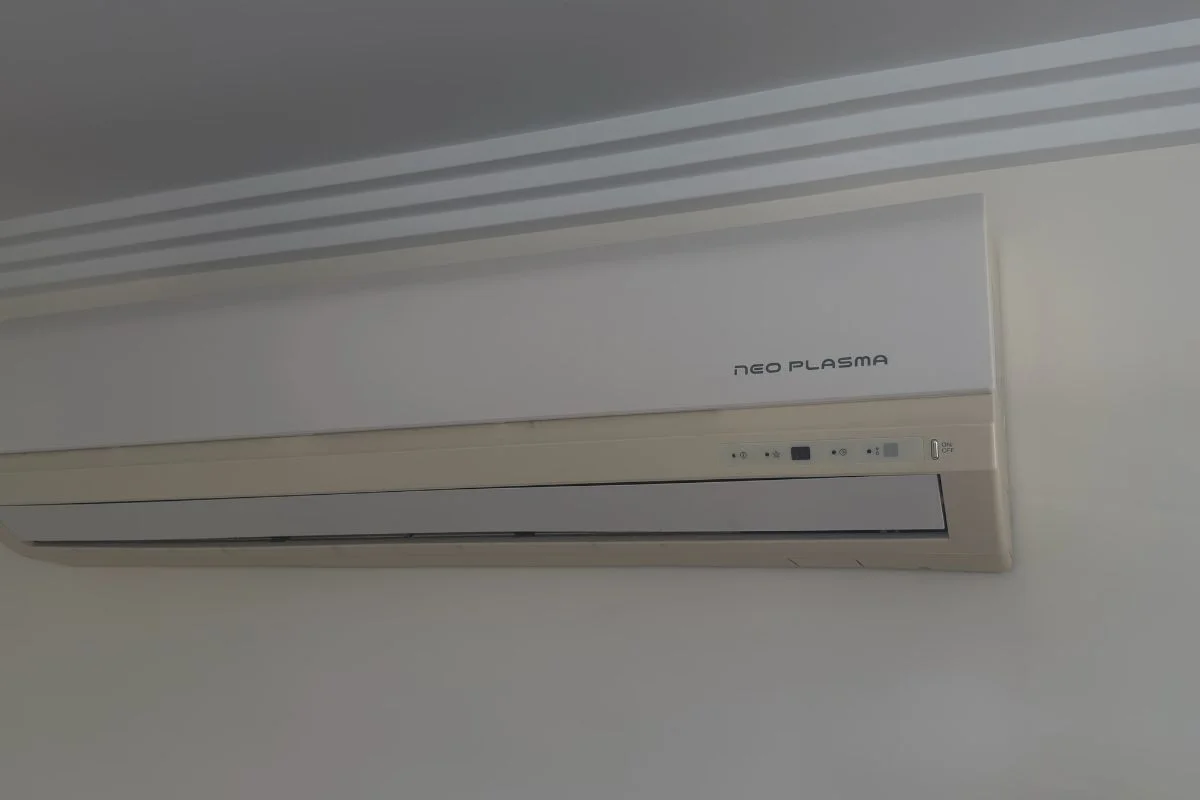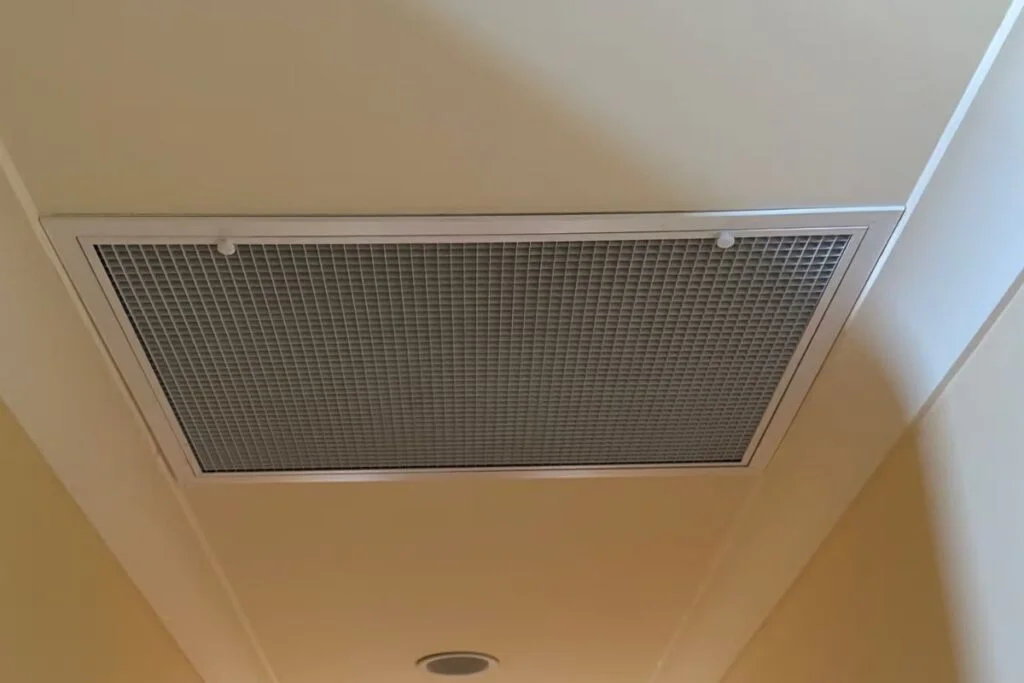
Most people get smart control of their Daikin air conditioner, then use it exactly like the old remote. They tap “on” from the couch. They ask a speaker to drop the temperature. Then they wonder why the power bill hasn’t changed.
The real value of connected control isn’t convenience. It’s consistency. A connected system can make better decisions than a tired person at 11pm. This article covers how to set up control so the system does the thinking, and where the limits sit.
Why Remote-Style Control Wastes the Upgrade
A traditional remote is reactive. You feel hot, so you press a button. By then the house has already absorbed heat for hours. The system then runs hard to catch up, which is the least efficient way to cool a home.
Smart control lets you act before discomfort starts. That shift from reacting to planning is where comfort and savings come from. Voice commands are useful, but they’re still reactive. If voice is the only feature you use, you’ve bought a faster remote.
The better question is this: what should your air conditioner do when nobody is thinking about it?
Build Control Around Your Household’s Patterns
Start by mapping a normal weekday and weekend. Note when the house is empty, when people wake, and when bedrooms are in use. Most homes have three or four predictable phases a day.
Each phase needs a different job from the system. An empty house needs nothing, or a light setback. An evening living area needs steady comfort. Bedrooms need a gentle, quiet setting overnight.
Once you see these phases, schedules become obvious. You stop asking “what temperature do I like?” Instead you ask “what does this room need right now?”
Pre-Conditioning Beats Hard Recovery
Starting the system 20 to 30 minutes before you arrive is usually smarter. It lets the unit run at moderate output. Inverter systems like most modern Daikins are most efficient at steady, partial load.
Switching on at full blast when you walk in does the opposite. The compressor ramps hard, and the room still feels uncomfortable for a while. A short pre-conditioning window gives you comfort on arrival at lower cost.
Use Setbacks, Not Full Shutdowns, in Extreme Weather
On a 38-degree Gold Coast afternoon, switching off completely can backfire. The building’s walls and furniture soak up heat. Recovering from that takes longer and uses more energy.
A modest setback works better. Let the temperature drift a few degrees higher while you’re out. The system then has far less heat to remove later.
Routines: Where Voice Control Becomes Useful
Voice control earns its place when it triggers routines, not single commands. A routine bundles several actions under one phrase. That turns a voice assistant into a household control panel.
For example, a “good night” routine could set bedroom cooling to 24 degrees and turn off living area zones. It could also switch off lights. One phrase replaces five separate decisions, and nobody forgets the lounge unit running all night.
A “leaving home” routine can do the same in reverse. It sets setbacks across every zone at once. This is where Google Home integration pays off. If you haven’t connected your system yet, the setup steps are covered in this guide to controlling your Daikin air conditioner with Google Home: https://deepchill.com.au/how-to-control-your-daikin-air-conditioner-with-google-home/
Keep Routine Names Distinct
Assistants can confuse similar phrases. “Cool the bedroom” and “cool the bedrooms” may trigger different results, or nothing. Use short, distinct names for rooms and routines. Test each one a few times before relying on it.
Understand What Cloud Control Can and Can’t Do
Most smart control of a Daikin runs through the cloud. Your command travels from your phone or speaker, to the internet, then back to the unit’s Wi-Fi adapter. This chain has practical consequences.
If your internet drops, remote and voice control usually stop working. The unit itself keeps running on its last setting. The wall controller or handheld remote still works locally. So keep a physical controller accessible, especially in rental or holiday properties.
There’s also a short delay in cloud commands. It’s normally a few seconds. That’s fine for comfort, but it means smart control isn’t a safety system.
Wi-Fi Quality Matters More Than People Expect
Indoor units often sit high on external walls, far from the router. Weak signal causes dropouts that look like app faults. If your system often shows as offline, check signal strength at the unit first. A mesh node or access point nearby often fixes it.
Ducted Systems Need Zone Thinking
With ducted systems, the biggest gains come from zone control. Cooling five rooms when two are occupied wastes a large share of the energy. Smart control makes zoning easy enough that people actually use it.
Name zones clearly in your app and assistant. Then link zones to routines. A “work from home” routine might cool only the study and kitchen. That’s a big reduction in conditioned space with no comfort loss.
One caution applies here. Closing too many zones can raise duct pressure and noise. Your installer should confirm how many zones can safely close at once.
Measure Whether It’s Working
Control only improves what you track. Check your energy use in the Daikin app if your model reports it. Otherwise, compare quarterly power bills against the same season last year.
Also watch for comfort complaints. If someone keeps overriding a schedule, the schedule is probably wrong. Adjust it rather than fighting it. Good automation should feel invisible.
Older Units: Retrofit or Replace?
Many older Daikin units can accept a Wi-Fi adapter. That’s often a cost-effective path. But if the unit is over 12 to 15 years old, factor in its efficiency. A smart adapter on an inefficient compressor still wastes energy. Sometimes a modern inverter unit pays back faster than expected.
Conclusion: Let the System Carry the Load
Smart control of a Daikin air conditioner is not about pressing buttons from further away. It’s about deciding once, then letting the system repeat good decisions every day. Schedules handle the predictable. Routines handle transitions. Voice handles the exceptions.
Set it up around how your household actually lives. Keep a physical controller as backup. Review results each season. Done well, your air conditioner becomes quieter, cheaper to run, and something you rarely need to think about.
Source: https://deepchill.com.au/how-to-control-your-daikin-air-conditioner-with-google-home/